
Temperature Alert
Your objective
- In a Rwandan classroom teaching model, activate the buzzer indicator above 30°C; OFF at 30°C and below. Simulated temperature range: -40 to 125°C.
Translations are draft and need educator review.
Drag blocks from the toolbox into the workspace. Connect statement blocks beneath Start. Use the zoom controls to see your program.
Loading workspace…
Ready
Run and test the reading below, at, and above the threshold. Let the 10-second run finish.
Stop ends the current run and keeps the current device state. Reset clears the device and output, keeping blocks.
Temperature Alert
· 0 ms
Virtual buzzer
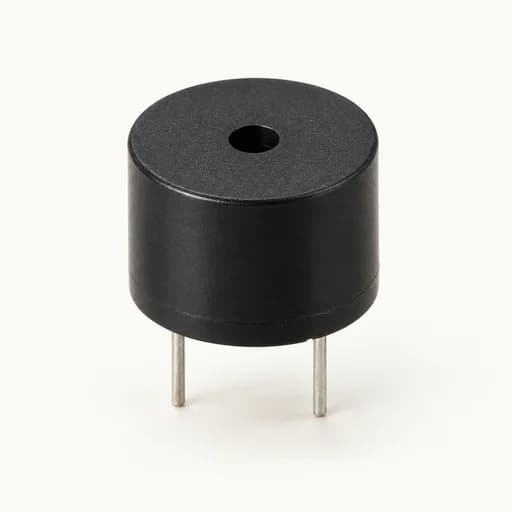
OFF · Silent
Sound is optional and off by default. Enable it to hear a quiet browser-generated example tone while the buzzer is ON during a run. This is not a recording or prediction of a physical buzzer.
Teaching model: active-high buzzer output on GPIO 5. Real wiring needs board-specific drivers. App budgets: 10,000 steps/iterations, depth 32, 120 seconds total; waits 0.01–60 seconds. Exported files do not inherit these limits.
Execution output
Read-only code preview
Connect one Start and all supported blocks with valid values to preview or run.Editor keyboard and screen reader access has not been verified. The surrounding instructions and controls are keyboard accessible. Practical alternatives: run the preloaded starter program, import/export workspace JSON, or inspect the read-only JavaScript, MicroPython, and C++ code preview.